Where to buy
Need advice? Our highly trained dealers are happy to help with questions, small or large.
Find a dealer near you
Victron Toolkit app – now with QR scanner
Many of you will be familiar with the handy Victron Toolkit app. This has now been updated for Android and iPhone to include a QR code (Quick Response code) scanner. Using the built in scanner you can read the QR code printed on Victron Energy products, which will take you directly to a webpage giving detailed product information.
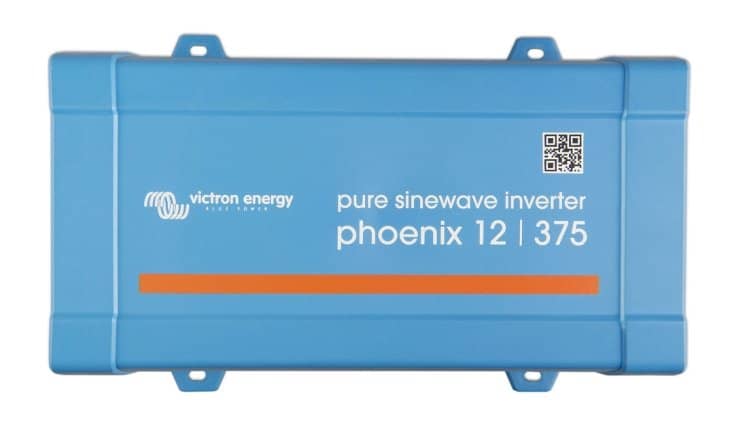
The app has been updated because we have now started to add QR codes to products, commencing with the new Phoenix Inverter VE.Direct 250VA – 375VA range, as demonstrated below. More QR coded products will follow in due course.
All very handy to access data sheets and manuals, plus of course being able to show customers and friends more about a given product, both quickly and easily.
Download the updated Victron Toolkit app.
Victron Toolkit continues to be able to calculate cable size and voltage drop, understand all LED codes for Victron Energy Multi and Quattro inverter/chargers, plus calculate output power derating for inverters and chargers for the expected ambient temperature.
John Rushworth.
Need advice? Our highly trained dealers are happy to help with questions, small or large.
Find a dealer near you
Check our support resources or contact your original dealer for dedicated support, repairs or warranty requests.
Support
Read more about our industry-leading 5-year standard warranty and global repair service.
Warranty


©Victron Energy 2026